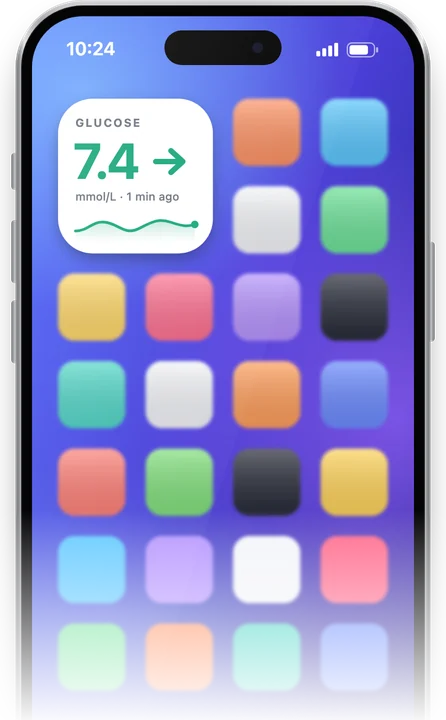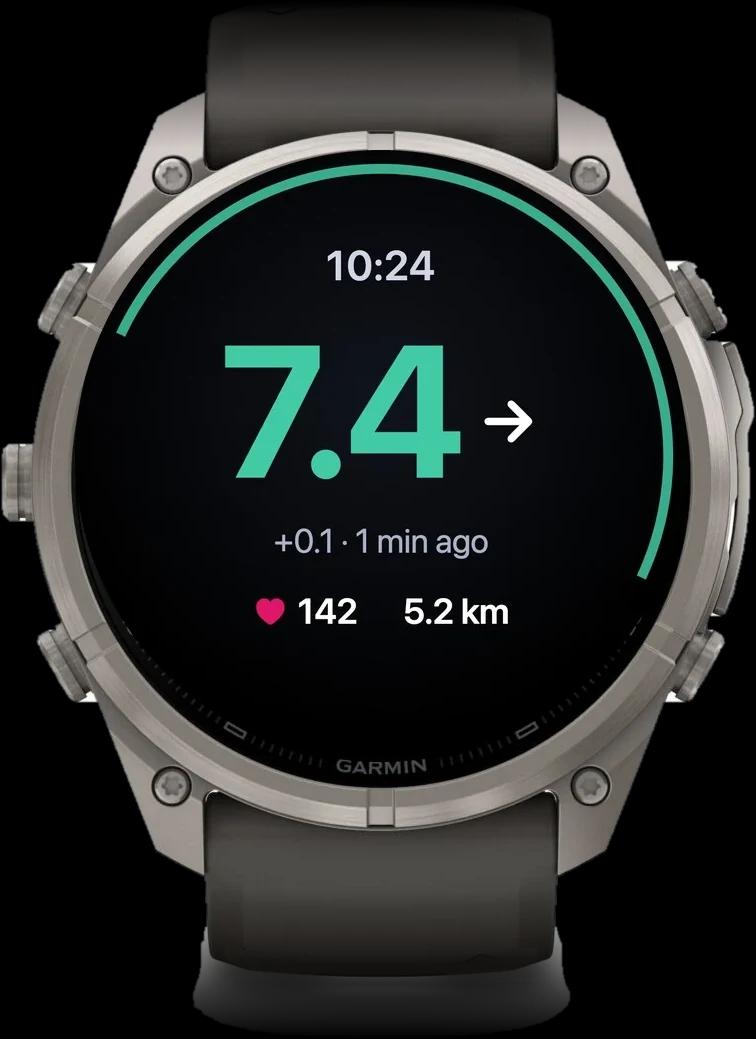
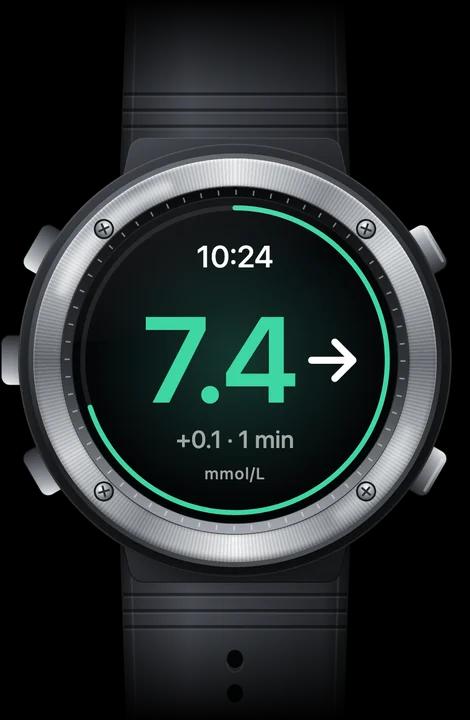
On your Garmin watch face
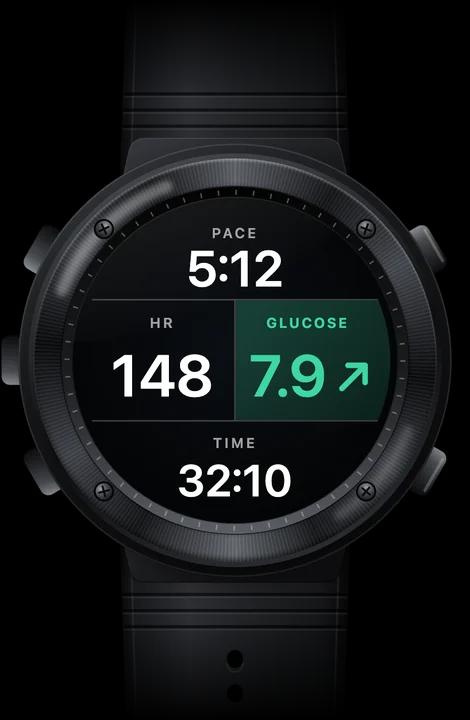
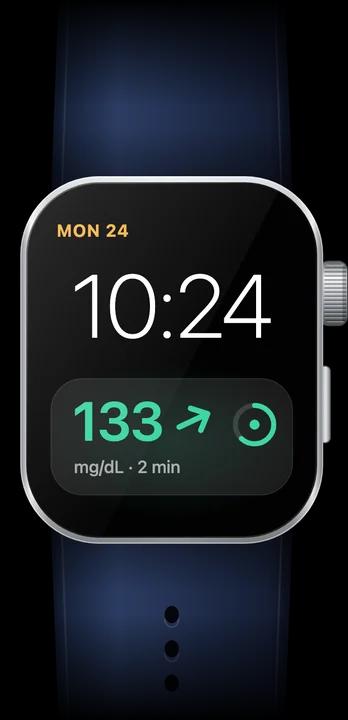
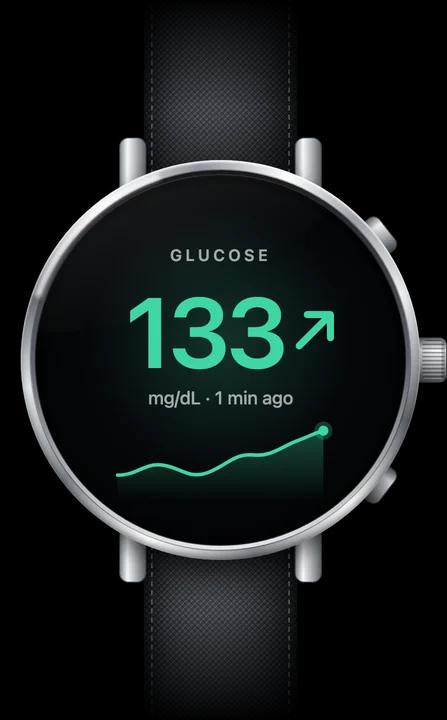
Your glucose reading, its trend arrow and how long ago it was taken, right on your watch face. Install a Nightscout watch face from the Connect IQ store. Garmin refreshes it every five minutes.
How it works
In Settings, open Watches and displays and create your private link. It only reads, so nothing can be sent back.
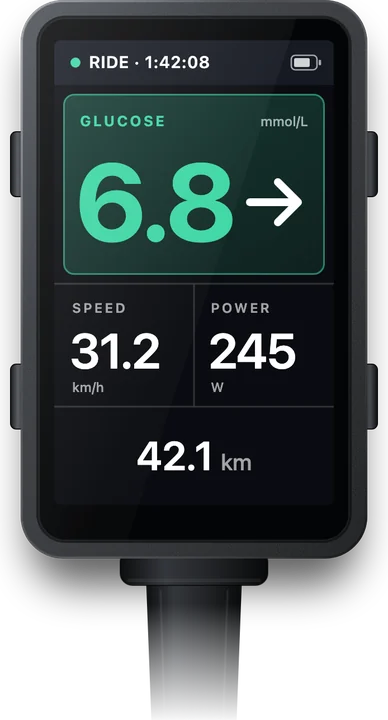
Install a Nightscout watch face or data field from the Garmin Connect IQ store, or a Nightscout app for your other watch or bike computer.
Paste the hostname and token from Enhance-d into its settings, then save and sync your watch.
On your wrist, your bars or your home screen
Create your link once and add it to as many displays as you like. Each one shows the same reading as the app.
It also works on Fitbit, Amazfit and Mi Band, Pebble and anything else that reads Nightscout.
On Android, the app can serve your glucose straight from your phone, so a Garmin watch face set to xDrip+ or AAPS keeps updating with no internet when xDrip+ or AAPS runs on your phone.
Yes. Watches and displays are part of Enhance-d Pro, which comes with 2 weeks free.
No. Enhance-d gives you a read-only link in the Nightscout format, which third-party watch faces and data fields from the Connect IQ store can display.
The link only reads, so nothing can be sent back. Anyone who has it can read your glucose, so treat it like a password. You can delete it and make a new one at any time.
Download Enhance-d, connect your CGM and watch, and see it on your own data. No card needed to start.