
CGM and Exercise: How to Read, Trust and Act on Your Data
Sensor lag, compression lows, trend arrows and time in range - how to interpret CGM data around workouts and turn it into smarter training decisions.
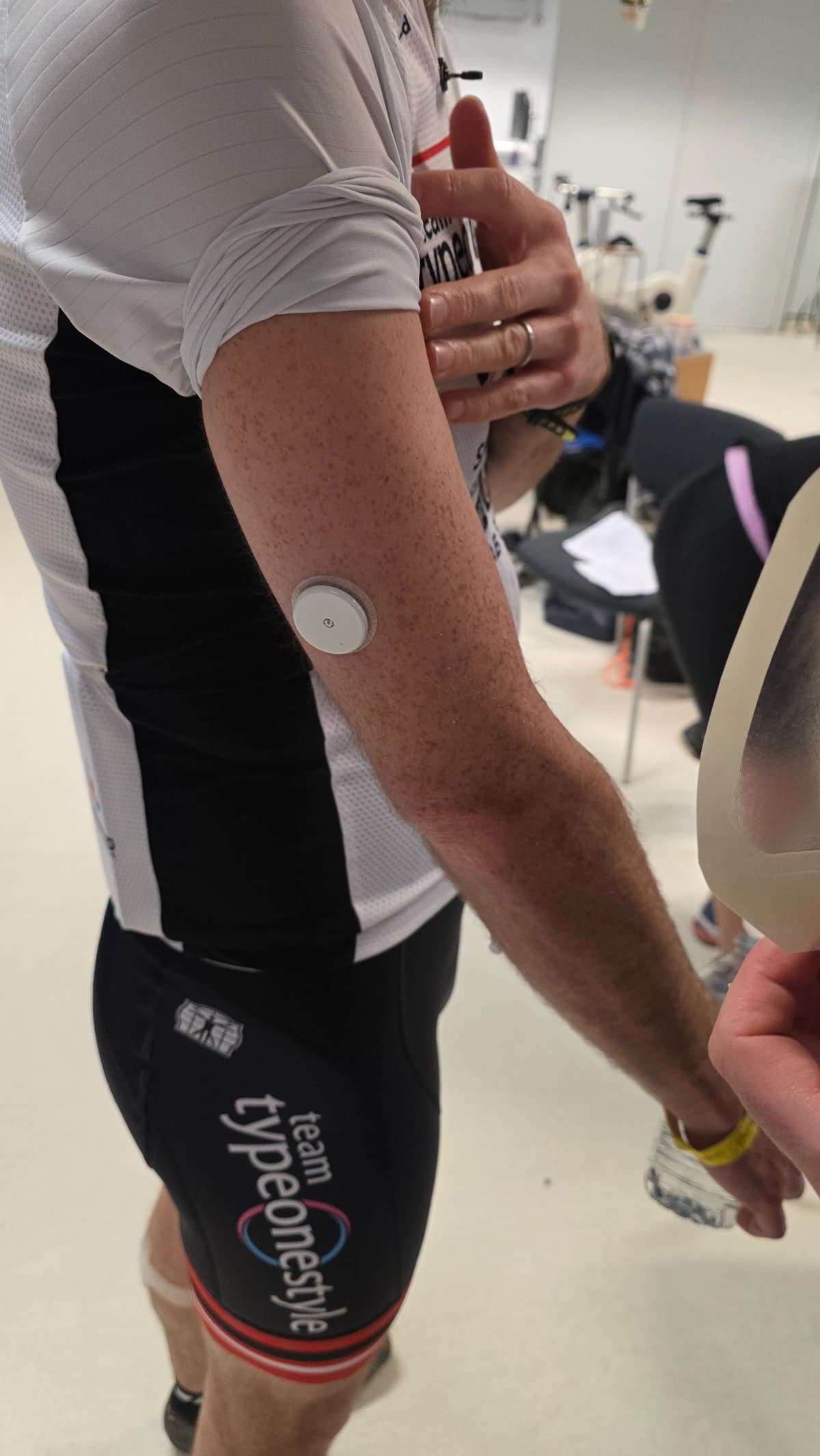
A continuous glucose monitor changes what's possible in sport with diabetes. Instead of stopping mid-session to prick a finger, you glance at your phone, watch or bike computer and see where your glucose is and where it's heading. For training, that's transformative.
But CGM data around exercise comes with quirks. Sensors lag behind blood glucose, readings can misbehave when you lie on them or sweat through them, and a trend arrow mid-interval means something different from the same arrow on the sofa. Reading the data well - knowing when to trust it, when to double-check it, and how to act on it - is a skill. This guide teaches it.
As always: this is education, not medical advice. Decisions about insulin and treatment targets belong with you and your care team. What we can do here is help you get much better at understanding what your sensor is telling you.
A quick refresher on what your CGM actually measures
A CGM sensor doesn't measure blood glucose directly. A tiny filament sits in the fluid between your cells - the interstitial fluid - and measures glucose there, sending readings to your phone or watch every few minutes. If you're new to the technology, our CGM 101 explainer covers the basics, and our original article on CGM and exercise covers sensor placement for contact sports, swimming and altitude.
That interstitial detail matters more during exercise than at any other time, because of one word: lag.
Sensor lag: why your CGM lives slightly in the past
Glucose moves from your blood into the interstitial fluid with a delay - typically somewhere around 5-10 minutes. At rest, when glucose is drifting slowly, the difference is barely noticeable. During exercise, when glucose can move fast, the gap widens.
Practically, this means two things:
During a fast drop, you're lower than your sensor says. If you're 30 minutes into a steady run and your CGM shows an in-range number falling quickly, your blood glucose is probably already below that reading. This is why experienced athletes treat a falling trend earlier than the number alone would suggest - waiting for the sensor to display a low means you've likely been low for several minutes already.
During recovery from a low, the sensor is slow to catch up. After you treat a low, blood glucose often recovers before your CGM shows it. That delay tempts people into over-treating. If you've taken fast-acting carbs and you're starting to feel better, give the treatment time to appear in the data before piling in more.
If a reading ever clashes badly with how you feel, a fingerstick is still the tiebreaker. Trust your symptoms first, verify with blood, and treat the CGM as what it is - a brilliant trend engine with a small time delay.
Compression lows: the fake low that ruins sleep and sessions
Press on a CGM sensor and the reading can plunge - not because your glucose fell, but because pressure squeezes the interstitial fluid around the filament. This is a compression low, and athletes meet it in predictable places: sleeping on the sensor arm the night after a hard session, a wetsuit pressing on the sensor during a swim, a backpack strap on a long hike, or a floor press pinning your arm in the gym.
The signature is a sudden, sharp drop that doesn't match the story - you were stable, then apparently fell off a cliff, with no insulin or exertion to explain it. Relieve the pressure and the reading typically climbs back within 15-30 minutes. When a low looks suspicious, check how you're lying or what's pressing on the sensor, confirm with a fingerstick if in doubt, and consider sensor placement for your sport - the arm that doesn't take the wetsuit seam, the side you don't sleep on.
Knowing this pattern saves you from treating phantom lows - and from learning to distrust real ones.
Trend arrows: direction beats number
The single number on your screen is the least interesting thing your CGM tells you. The arrow next to it is where the value is.
A flat arrow at a comfortable in-range number mid-session is a green light. The same number with a steep downward arrow during aerobic work is an early warning - factoring in sensor lag, it usually means fuel now, not in ten minutes. And that number with a rising arrow during intervals or a heavy lift is often just adrenaline doing its thing, and many athletes have learned - with their care team - to be cautious about correcting rises mid-session, because the drop that follows hard training can be steep.
The pattern to internalise: number tells you where you are, arrow tells you where you'll be in 15 minutes. During exercise, you make decisions for the person you'll be in 15 minutes. Different types of session produce different arrow behaviour - steady running tends to produce slow persistent declines, while strength work produces spikes and rebounds - which is why our guide to exercising with diabetes pairs so closely with this one.
Alerts deserve a mention here too. Many athletes set a higher low-alert threshold during exercise than in daily life, so the warning arrives early enough to act on. That buffer, combined with lag awareness, is what turns the CGM from a rear-view mirror into a headlight.
Time in range around exercise
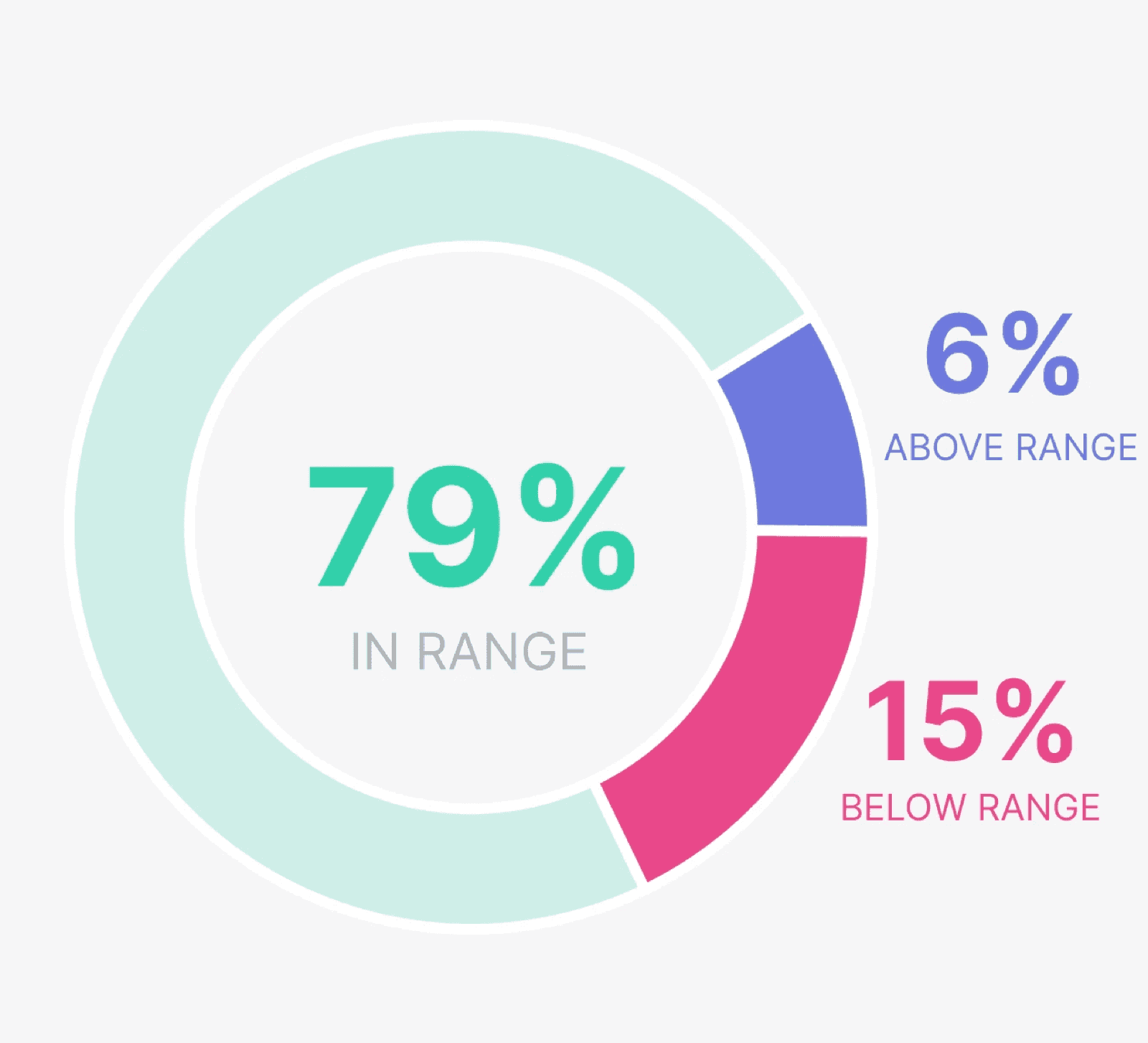
Time in range - the percentage of time your glucose spends in your target range - is the headline metric of CGM life, and exercise is one of the strongest levers you have for improving it. If the metric is new to you, start with our full explainer on time in range.
Around workouts, though, look past the single percentage. A day with a hard session can show a worse-looking day of data - a spike during intervals, a dip afterwards - while the week trends better because insulin sensitivity improved. Judge sessions in context:
- During the session: brief excursions with hard efforts are normal. What matters is whether you stayed safe and finished strong.
- The 24 hours after: this is where training pays its dividend. Many people see noticeably more time in range the day after a good session.
- Week over week: consistent training usually shows up as steadier overnight lines and better weekly time in range. That's the trend worth celebrating.
The review workflow: where the real gains live
The glances mid-workout keep you safe. The review afterwards makes you better. A simple workflow, used by many athletes:
After each session (2 minutes). Look at the full glucose curve from an hour before the session to a few hours after. Note what you did about fuel and insulin, and what happened. One sentence is enough: "60g carbs over 90 minutes, stayed flat - repeat."
Weekly (10 minutes). Line up similar sessions and look for the repeatable pattern. Do easy runs always drift down after 40 minutes? Does leg day always spike then crash at 10pm? Patterns you spot weekly become plans you apply next week.
With your care team. Bring the overlaid data to your appointments. A clinician who can see your exercise sessions alongside your glucose can help you adjust strategy in ways a logbook of numbers never allows. Our article on data sharing with healthcare professionals explains why this collaboration is so powerful.
How Enhance-d helps
This review workflow is exactly what Enhance-d is designed to make effortless. The app pulls your CGM data and your workouts - from Dexcom, FreeStyle Libre, Garmin, Strava and more - into one timeline, so every session appears with its glucose curve attached. The Exercise View shows what happened before, during and after each workout; comparing sessions turns your training history into a personal playbook; and sharing with your care team takes one tap instead of a folder of screenshots.
Your CGM is already collecting the data. Enhance-d helps you read it, trust it and learn from it - so every workout teaches you something, and the next one starts smarter. It's free to start on iOS and Android.
Frequently asked questions
Why does my CGM read differently from my blood glucose during exercise?
A CGM measures glucose in the fluid between your cells, not in your blood, and glucose reaches that fluid with a delay of roughly 5-10 minutes. At rest the gap is barely noticeable, but during exercise glucose can move fast, so the difference widens. During a fast drop your blood glucose is probably lower than the sensor shows.
What is a compression low?
A false low reading caused by pressure on the sensor - sleeping on the sensor arm, a wetsuit seam, a backpack strap - squeezing the interstitial fluid around the filament. The signature is a sudden sharp drop that doesn't match the situation. Relieve the pressure and the reading typically recovers within 15-30 minutes; confirm with a fingerstick if in doubt.
What do CGM trend arrows mean during exercise?
The number tells you where you are; the arrow tells you where you'll be in about 15 minutes. A flat arrow at an in-range number is a green light. A steep downward arrow during aerobic work is an early warning to fuel now, because sensor lag means you're likely already lower than the display.
Is it normal for glucose to spike during a hard workout?
A temporary rise during short, intense efforts is common - adrenaline and other stress hormones prompt the liver to release glucose - and it usually settles afterwards. Because the drop that follows hard training can be steep, many athletes agree an approach to mid-session rises with their care team rather than correcting aggressively.
Keep reading

Put it into practice
See your own glucose patterns around training
Enhance-d brings CGM, workouts and community together - free to start on iOS and Android.